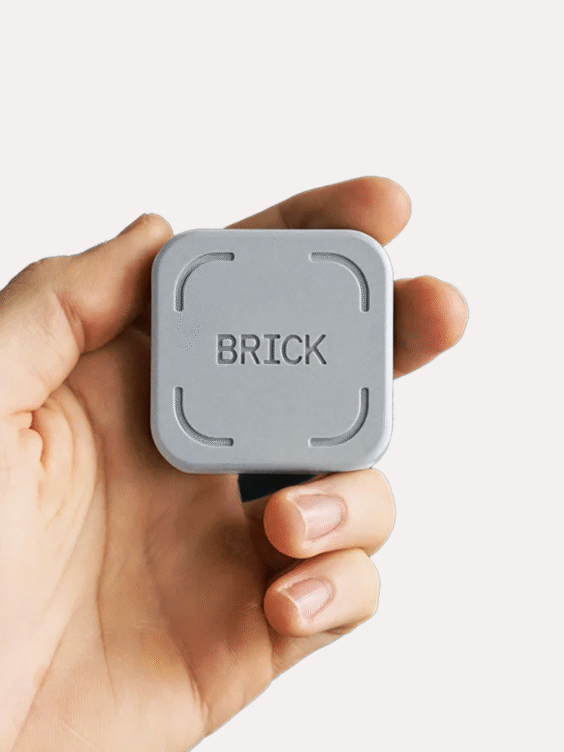
Kairos

,

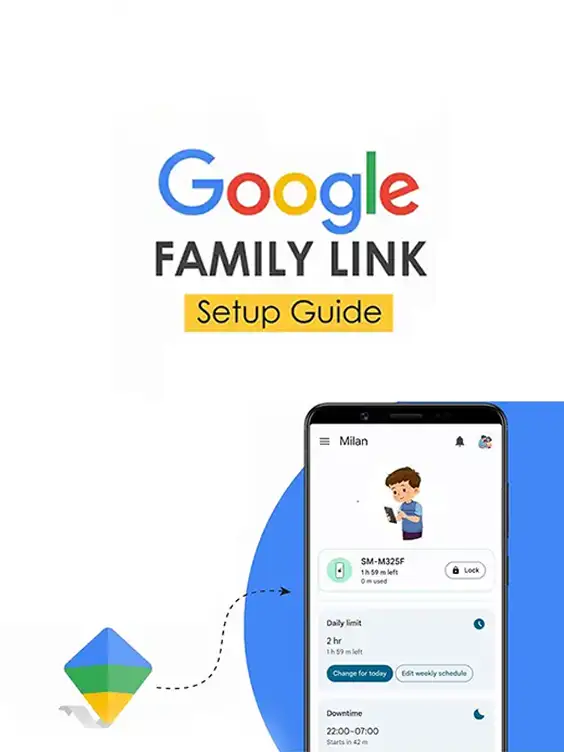
How to set up parental controls on Balance Phone with Google Family Link

AED 18.00

Take full control of your child’s smartphone experience with this step-by-step parental control setup guide. Specifically created for the Balance Phone, this guide simplifies Google’s Family Link configuration—ensuring your child’s safety, privacy, and healthy screen habits without the confusion. Ideal for parents who want quick, effective control in just a few steps.

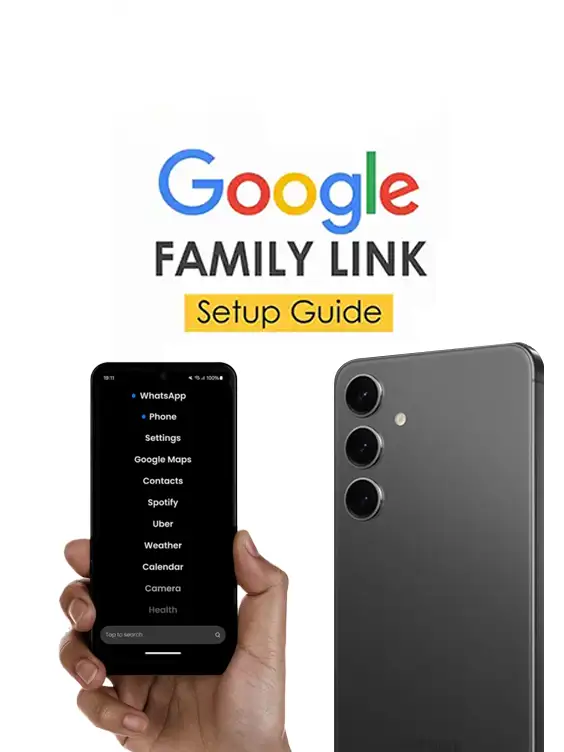
What’s Inside:

  • Complete setup walkthrough for Google Family Link on Balance Phones
  • Key pre-setup checks to prevent bypassing parental controls
  • Easy-to-follow device configuration flow for both parent and child
  • Guidance on account preparation and linking
  • Bonus tips for managing time limits, app approvals, and filters


Reviews

There are no reviews yet.

Be the first to review “How to set up parental controls on Balance Phone with Google Family Link”

Your email address will not be published. Required fields are marked *

How to set up parental controls on Balance Phone with Google Family LinkHow to set up parental controls on Balance Phone with Google Family Link
AED 18.00
Scroll to Top