Kairos

,

How to Set Up Parental Controls on an Android Phone (with Google Family Link)

AED 18.00

Protect your child’s online experience with this easy, step-by-step guide to setting up parental controls on any Android device using Google Family Link. This guide simplifies the process so you can confidently manage screen time, app access, and digital safety — all without technical confusion.

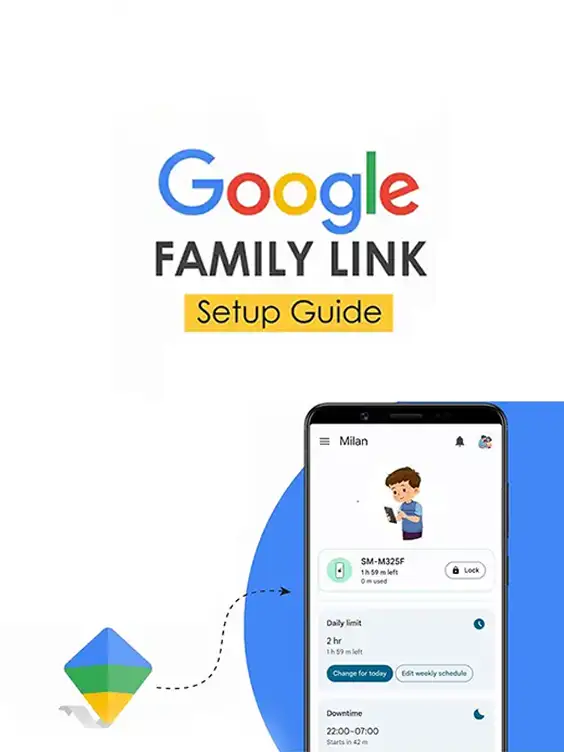
What’s Inside:

  • Clear, step-by-step setup instructions for Google Family Link
  • Compatibility checklist for Android devices
  • Essential preparation steps to ensure effective restrictions
  • Account setup guidance for both parent and child
  • Practical tips for monitoring activity, time limits, and app control

Reviews

There are no reviews yet.

Be the first to review “How to Set Up Parental Controls on an Android Phone (with Google Family Link)”

Your email address will not be published. Required fields are marked *

How to Set Up Parental Controls on an Android Phone (with Google Family Link)How to Set Up Parental Controls on an Android Phone (with Google Family Link)
AED 18.00
Scroll to Top