Kairos

,

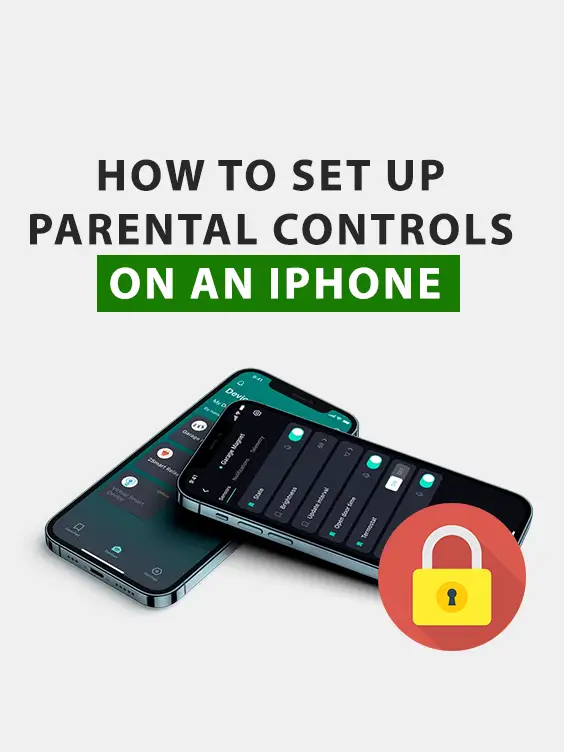
How to Set Up Parental Controls on an iPhone (Using Screen Time)

AED 18.00

Keep your child safe online with this easy-to-follow iPhone parental control setup guide. Learn how to use Apple’s built-in Screen Time features to manage app usage, limit screen time, block inappropriate content, and prevent unwanted purchases — all in a few simple steps. Perfect for parents who want protection without third-party apps.

What’s Inside:

  • Step-by-step guide to enable and customize Screen Time settings
  • Time limits and app restrictions configuration
  • Tips to block purchases and manage permissions
  • How to filter age-appropriate content
  • Smart ways to maintain balance between safety and freedom

Reviews

There are no reviews yet.

Be the first to review “How to Set Up Parental Controls on an iPhone (Using Screen Time)”

Your email address will not be published. Required fields are marked *

How to Set Up Parental Controls on an iPhone (Using Screen Time)How to Set Up Parental Controls on an iPhone (Using Screen Time)
AED 18.00
Scroll to Top